de | en


UX Lab: How vivid animation can uplift digital experiences


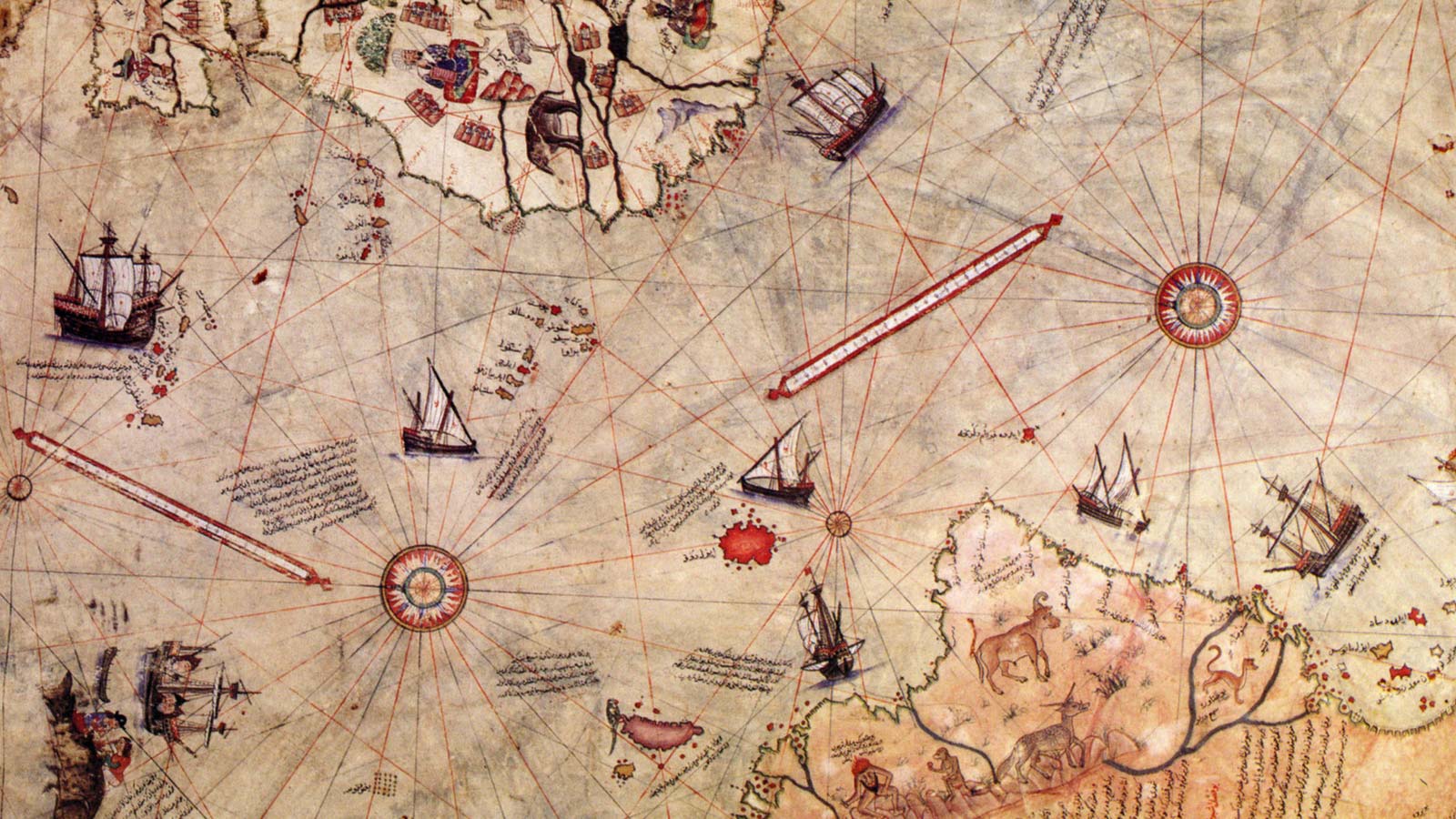
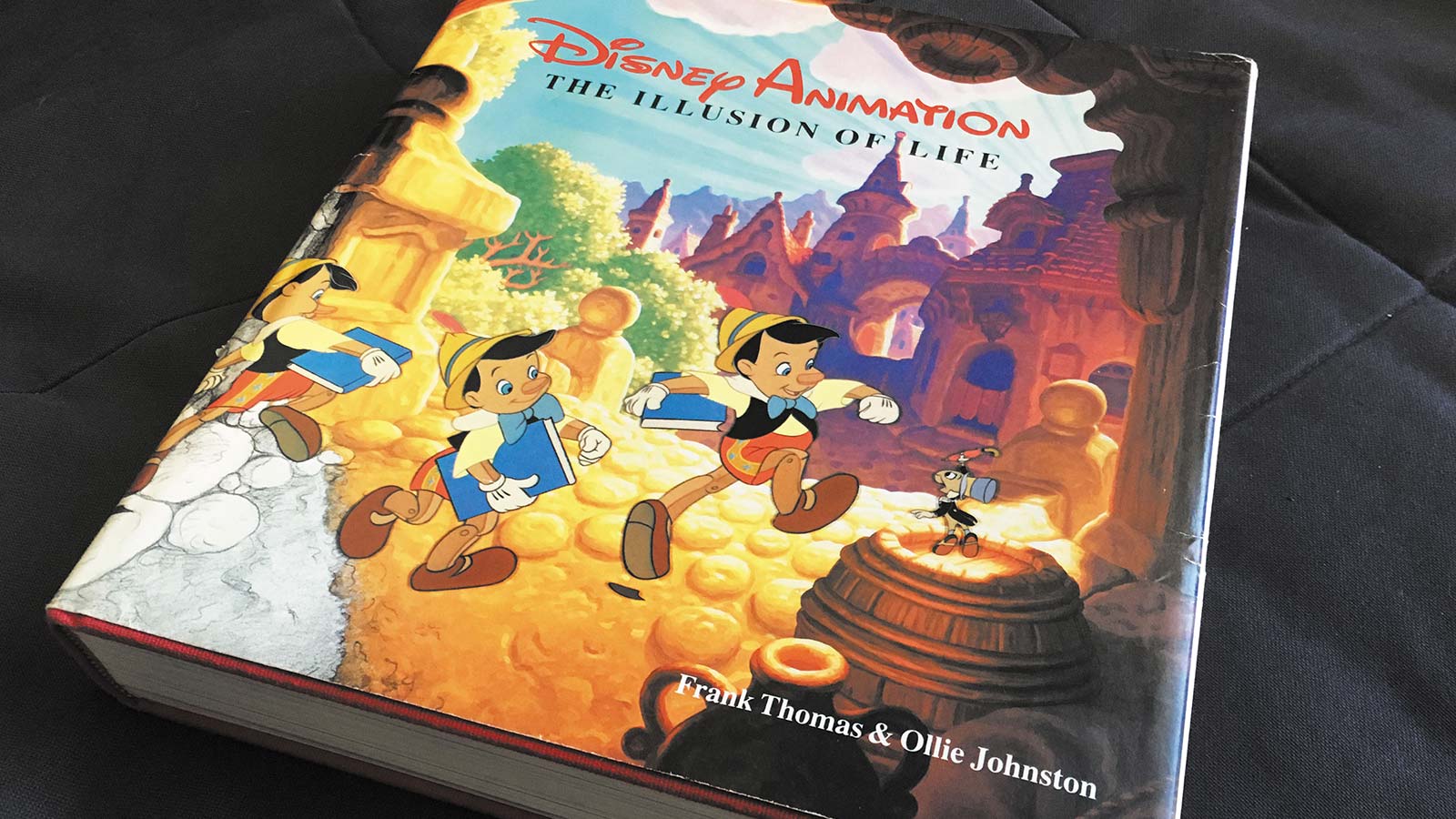
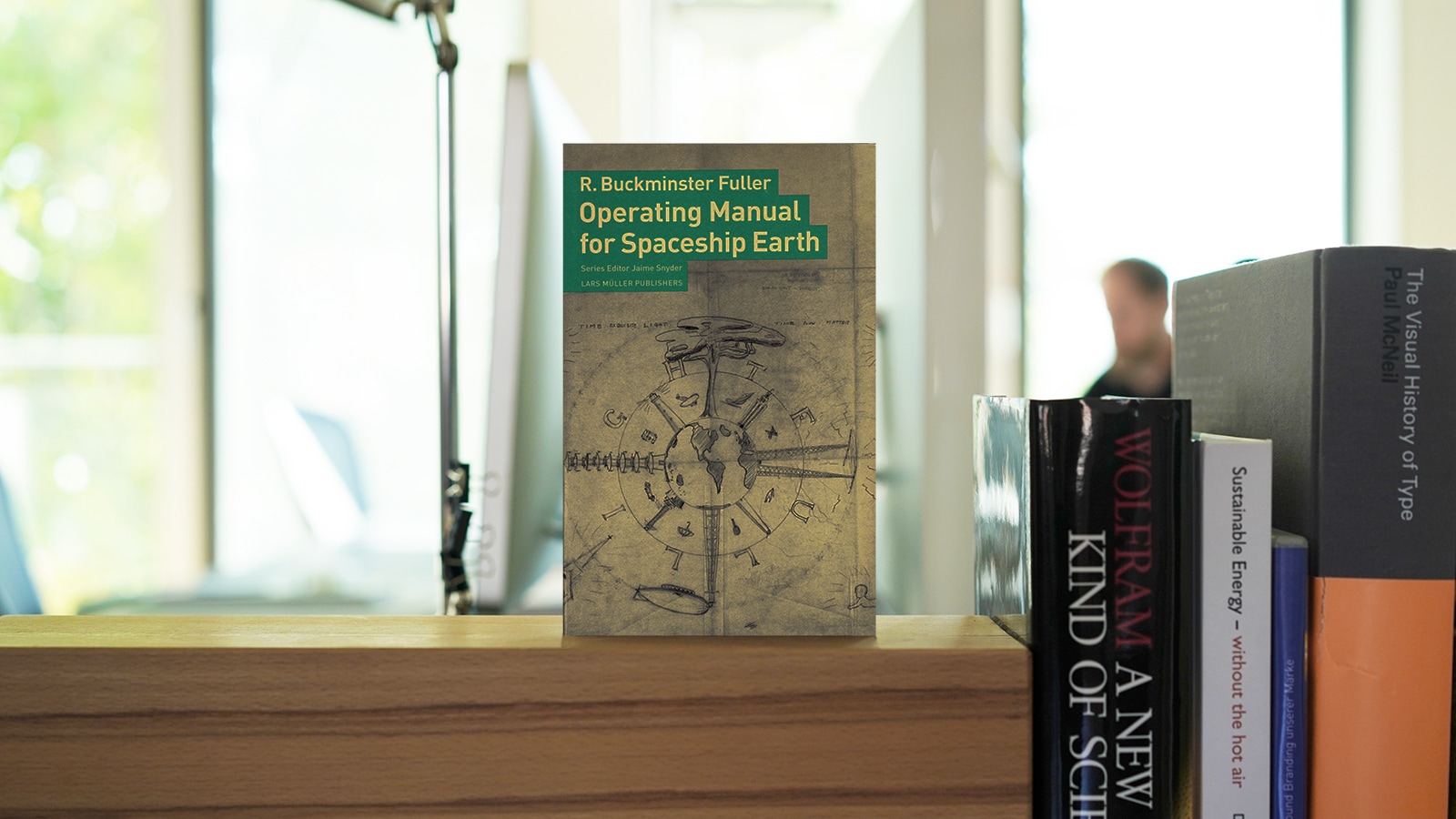
The Illusion of Life by Frank Thomas and Ollie Johnston

Since publishing the article about applying emotions to interaction design I’ve been fascinated by this subject, tackling questions like: How do you design animations that trigger positive emotions? What does it take to create a transition that feels vivid and is fun to use? Today I would like to dig a little deeper into the subject of using animations to tell engaging stories. We would like to share our insights with you as well as a little bit of code: an animate.css powered plugin for jQuery that you can try and download down below.

1. Learning from Disney

Where can we find inspiration and principles that we can build upon when designing movement and behaviour? The book The Illusion of Life written by two of the greatest animators at Disney (Frank Thomas and Ollie Johnston) is a good starting point to answer these questions. While flipping through its pages I realized that actually a huge part of an interaction designer’s job is to create the illusion of life. Of course an interface needs to be usable – that’s the rational part to it. But it will only captivate us if it talks to us in a natural manner –it should feel alive. According to William F. Allmann our brain is hard wired to detect human behaviour and emotions everywhere around us. That’s because they help us to determine the intentions of our counterpart. Thomas and Johnston documented 12 principles of animation. Following their paths Johannes Tonollo did a great job in his thesis Meaningful Transtions in which he applied these principles to the context of interaction and transition design. To sum up the insights from both sources I’ve created a little check list for designing vivid UI animations:
  • Slow in Slow out a.k.a. Easing:
    Real world objects don’t just stop at once. Let things ease in and out, let them bounce back. Check Robert Penner’s equations that have become a defacto standard in most programming environments.
  • Squash and Stretch:
    Real word objects are not rigid, they’re flexible and they’re being distorted while moving.
  • Arcs a.k.a. Paths:
    Real world objects don’t move on straight lines, let things move along paths.
  • Anticipation:
    Real world objects don’t just start a movement immediatelly, for example you need to bend your knees before jumping. Indicate that a movement will start by a little animation before you actually start the main action.
  • Timing
    This is the most important factor when designing animations, yet there’s no standard. Keep transitions short – don’t let people wait too long. But don’t shorten the animation too much, otherwise you’ll get a unrealistic behaviour. Finding the right timing for your transition involves a lot of testing and finetuning.
  • Performance, costs and focus
    In contrast to a Disney movie the “special effects budget” is usually not that huge when creating interfaces. Also the device performance imposes limitations when finetuning animations. Use these constraints to focus on the important animations that support the story of your application.

2. Going further – Animating multiple objects on screen

In interfaces we often deal with animating a whole bunch of objects at the same time. In this case you can add some additional principles to the mix.

  • Swarm behaviour
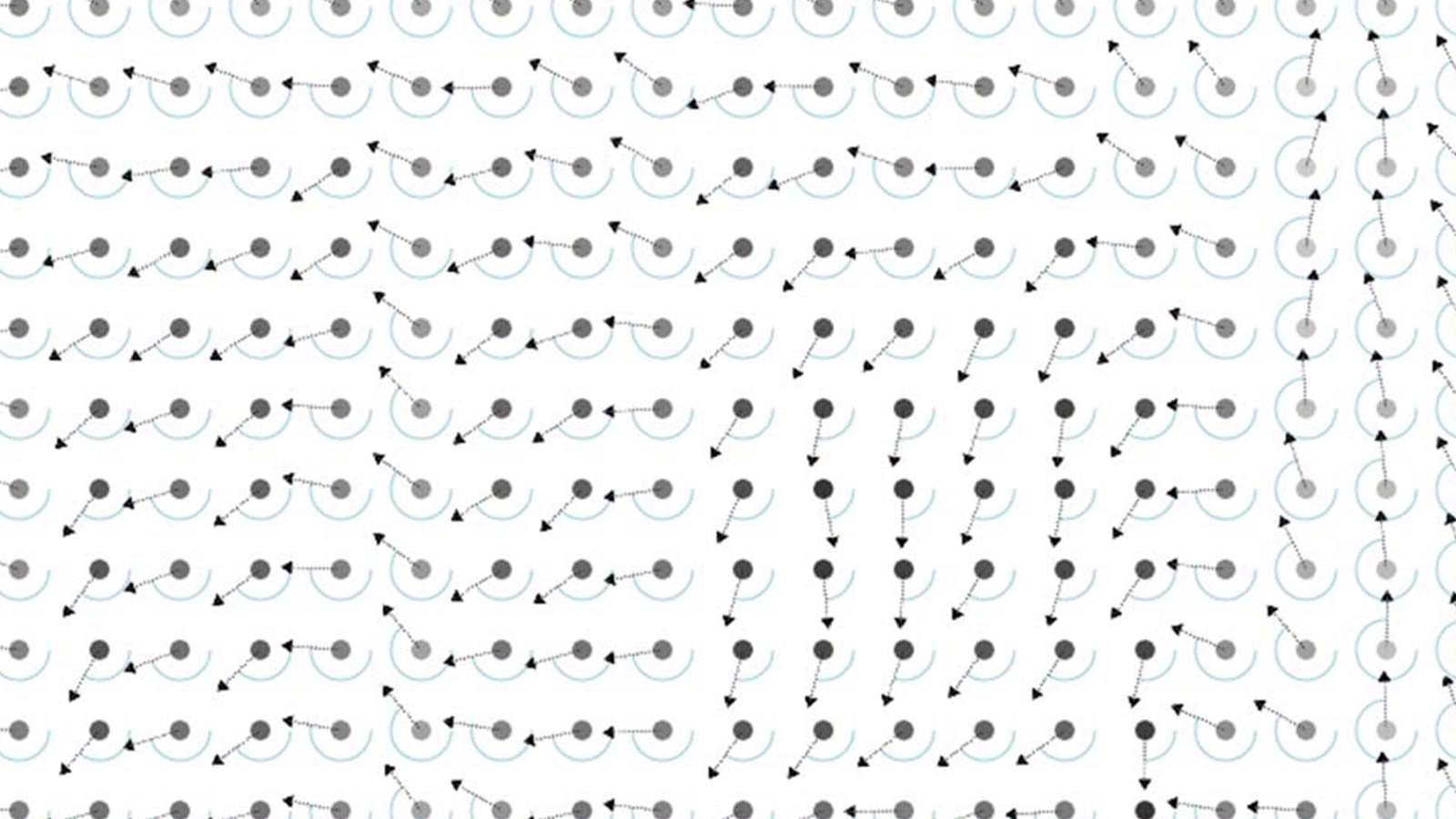
    In real life multiple objects usually don’t start synchronously. A swarm movement is initiated by an individual and is then adapted by the other members of the swarm. A very nice example of this is the startup animation of the Windows 8 start menu. The items acually fade in smoothly just like a wave.
  • Randomness
    The movement of multiple real life objects isn’t congruent (military parades excluded). Each individual object might behave slightly different. So add some randomness when animating multiple objects. An example of this can be found in the shaking animation of the iPhone’s app icons when you’re about to delete some.

3. Prototyping animations with animate.css and jQuery

In recent projects our team has been using the browser as favorite runtime for Rapid Prototyping. You can use a lot of nice tools nowadays in order to make transitions and motion design effective and reusable. Animate.css for example is a great tool to get started with reusable transitions and behaviour. It’s a set of basic transitions that can easily be applied to objects in your interface.

Et voilà: A jQuery plugin for animate.css

We wrote a little plugin that makes animation of mulitple objects a lot easier and utilizes the power of animate.css. You can think of it as a helper that simplifies applying animate.css behaviour. Additionally you get a set of attributes that you can use to apply swarm behaviour and randomness to multiple elements. So with one little line of code you can actually create a quite complex animation:
$('.quad').animateCSS('fadeInLeft', {duration:500, delay:0, eachElement: {addDuration:30, addDelay:20}});
See what this line does in action (you should use a modern browser like Firefox, Chrome or Safari).  It’s beta and hosted on github – so feel free to remix!


3 Comments


The car2gether revolution


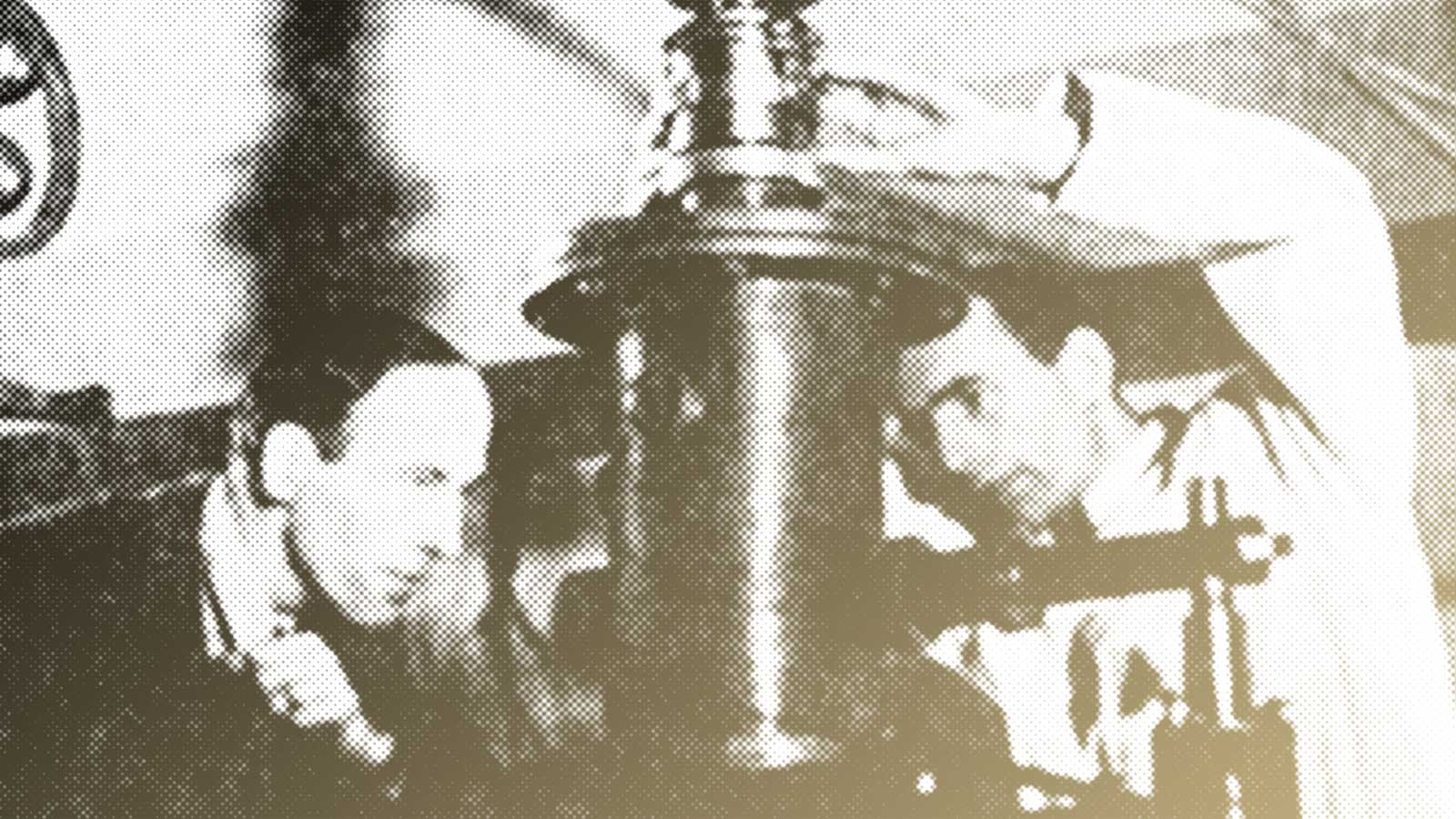
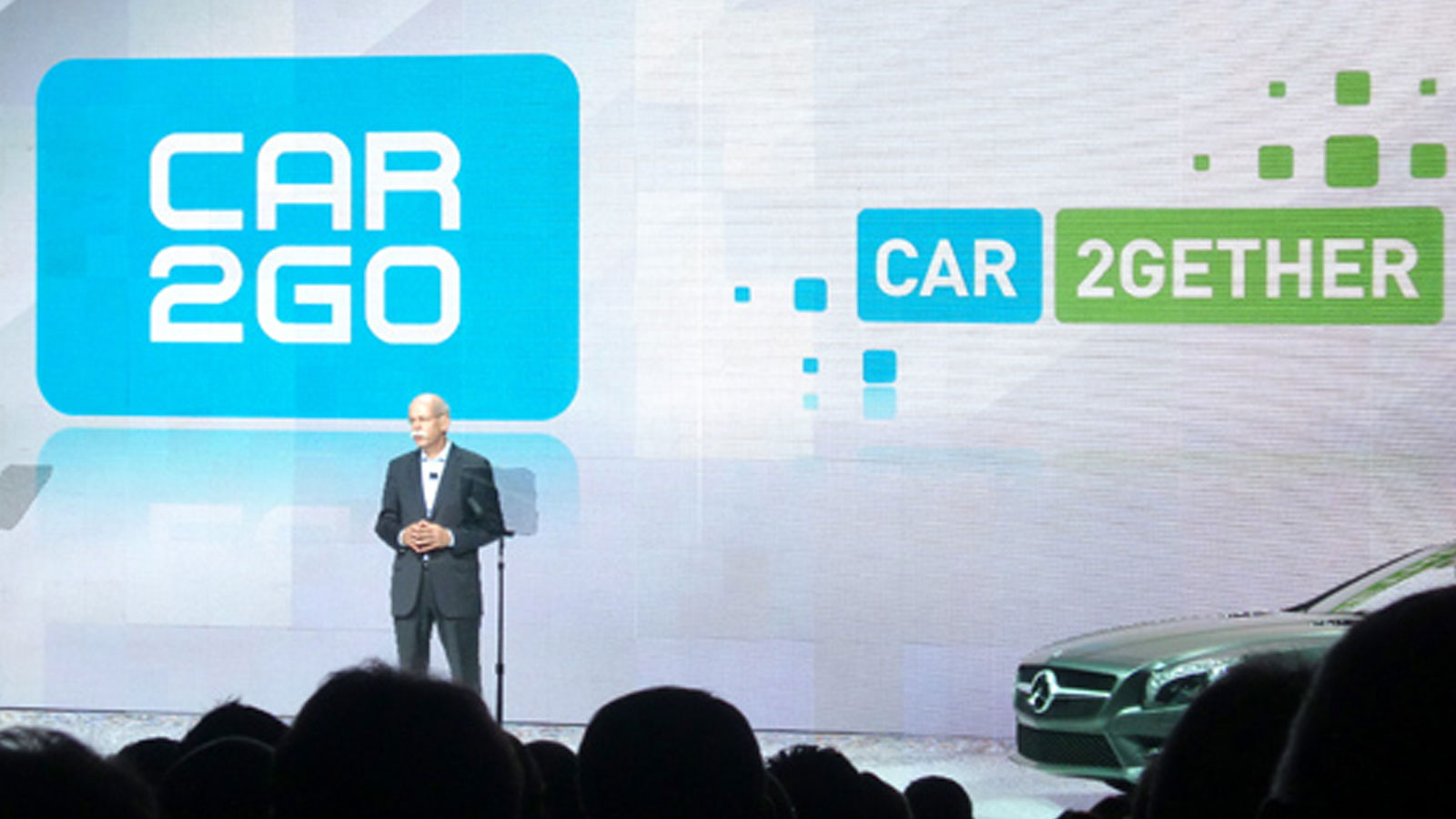
Thanks to TrendONE for this great snapshot!

Wow, great news from Las Vegas! Last tuesday Mercedes-Benz CEO Dr. Dieter Zetsche delievered his first keynote at this year’s CES in Las Vegas and talked about Mercedes’ second generation of mbrace, the car-sharing service car2go and – car2gether!

“Some colleagues still think that car-sharing borders on communism, but if that’s the case, viva la revolucion!” Dr. Zetsche said onstage with a picture of Che Guevara behind him – generating quite a buzz in the press.

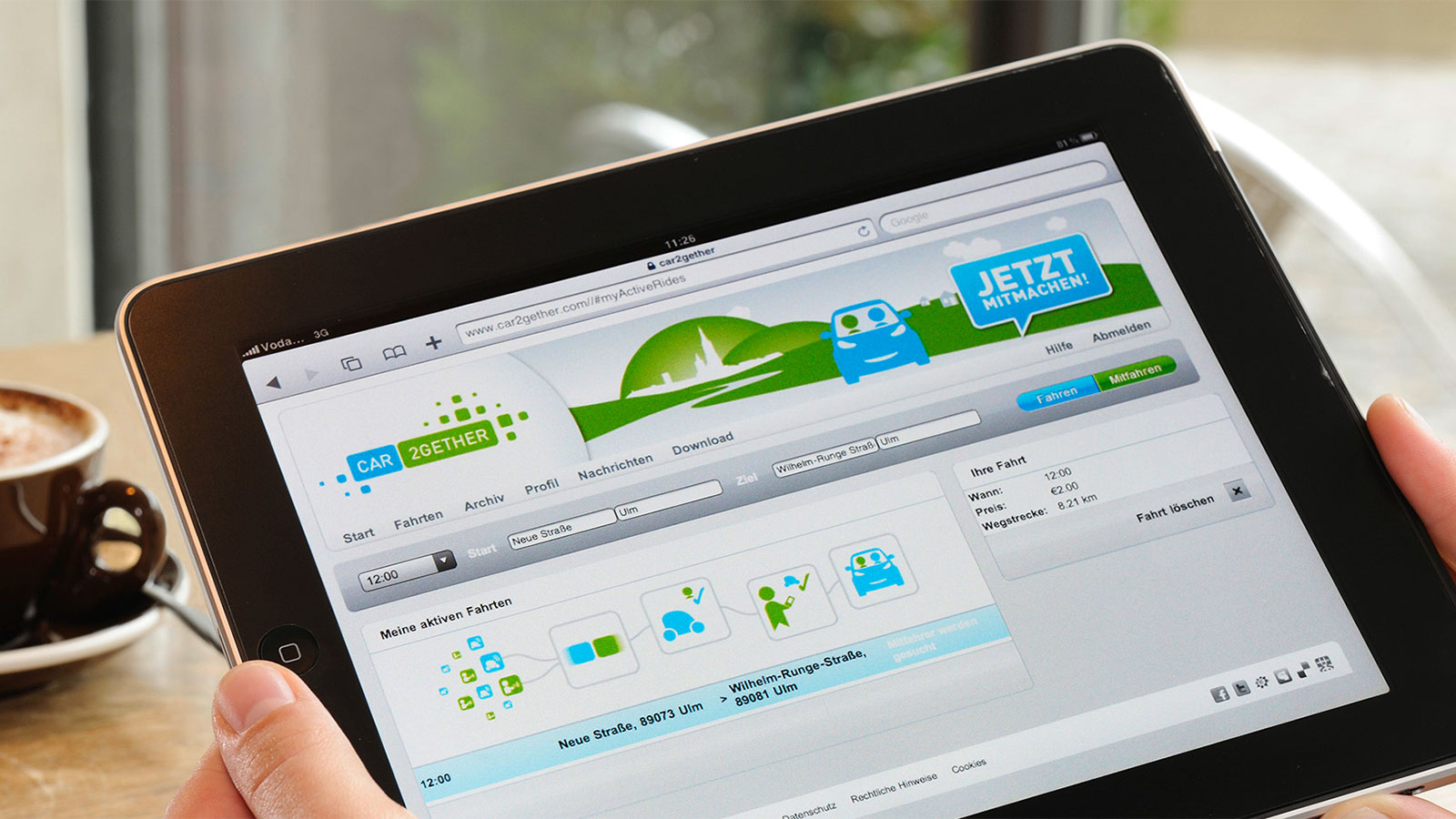
Since we helped Daimler Business Innovation shaping this innovative ride-sharing application, we’re really happy to see this being presented on the big stage. Dr. Dieter Zetsche even showed the car2gether promo video, that we produced together with our friends from playframe.

Here’s an article on CNET showing a still from the car2gether video onstage.

You can watch the whole keynote adress on the CES website, unfortunately the stream doesn’t include the slides and movies. He starts talking about car2go at around 16:00 minutes, and car2gether at 19:45 into the video.


No Comments


Speaking at Media Monday


mediamonday2011_12_2
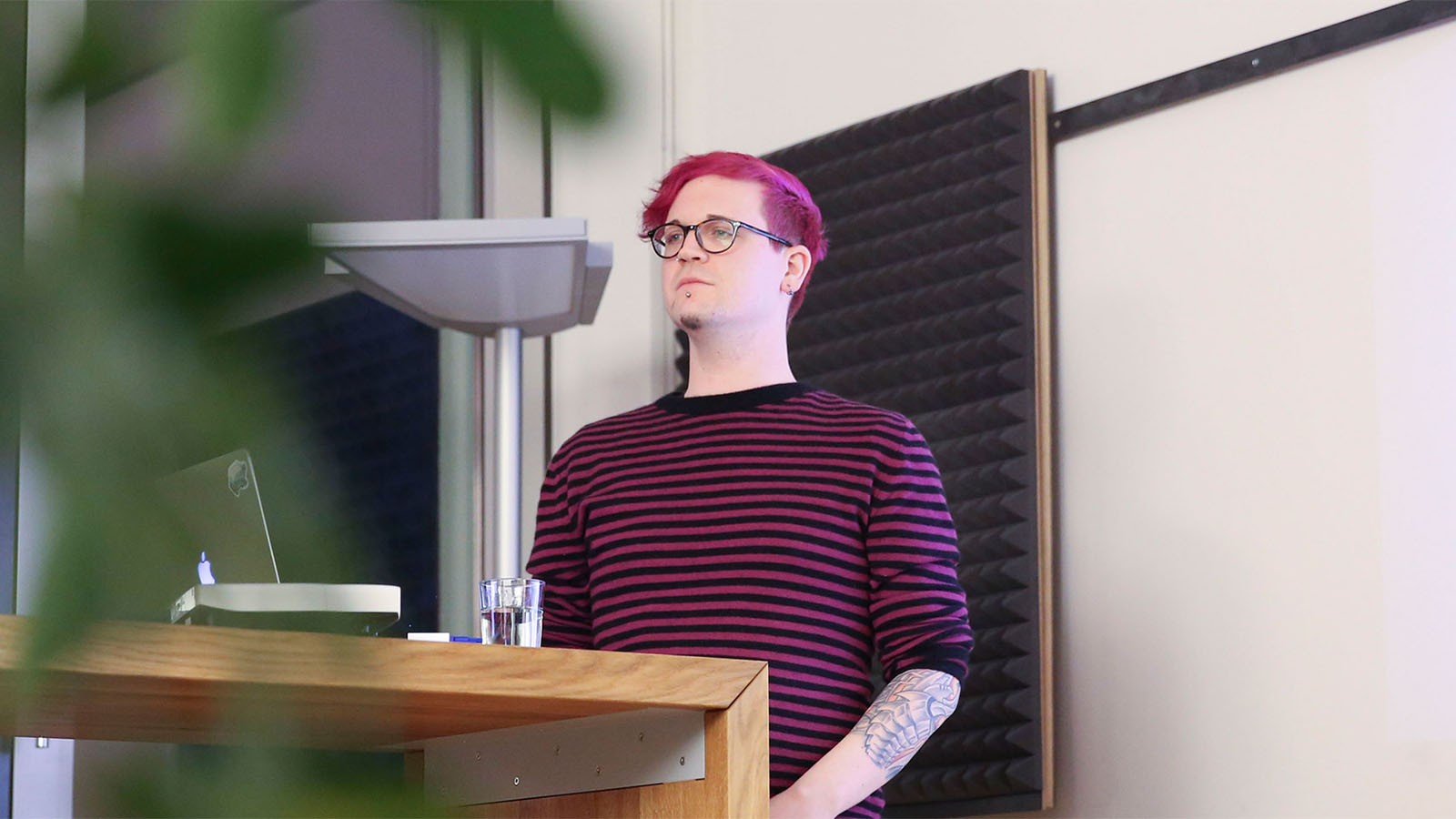
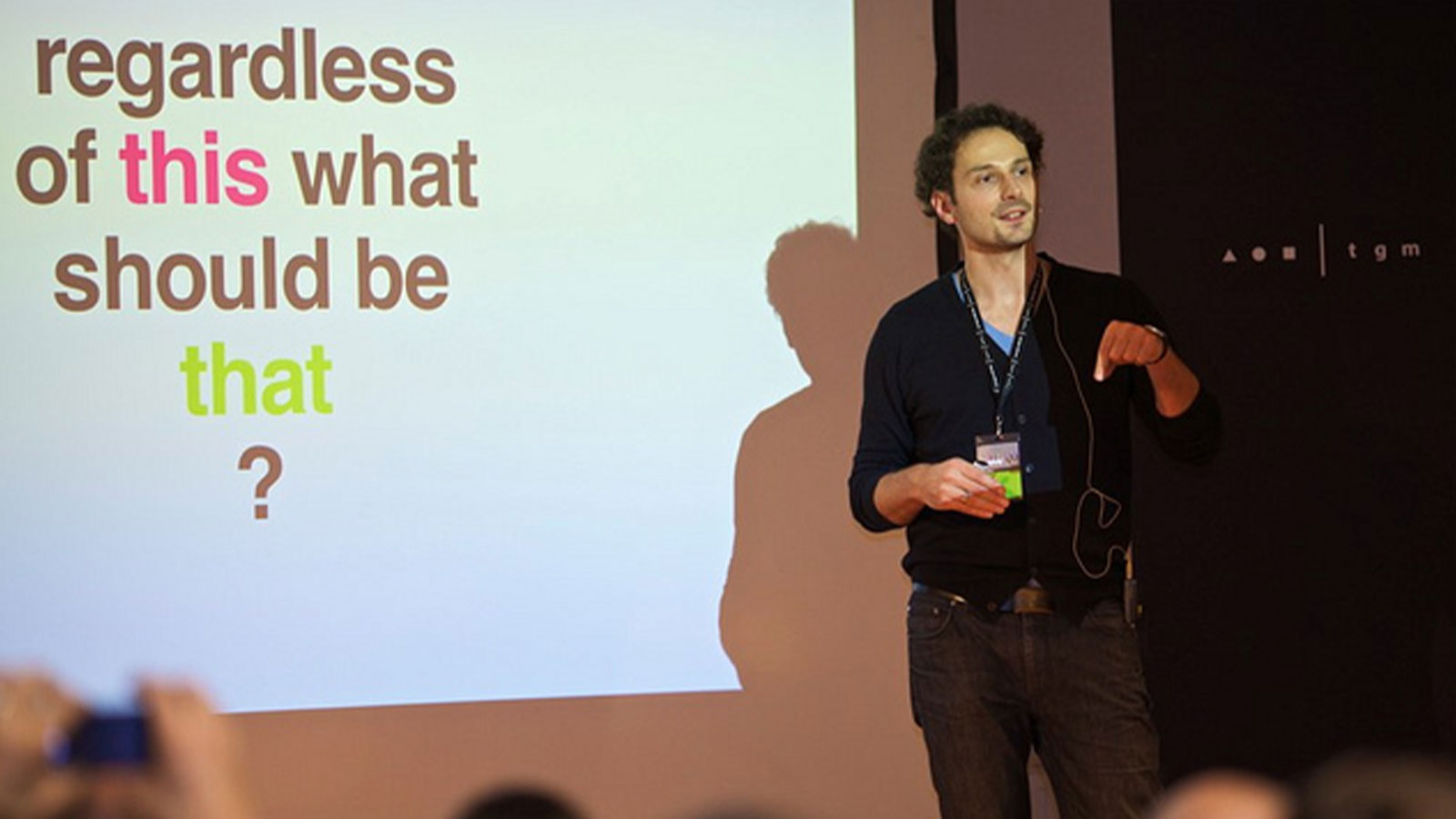
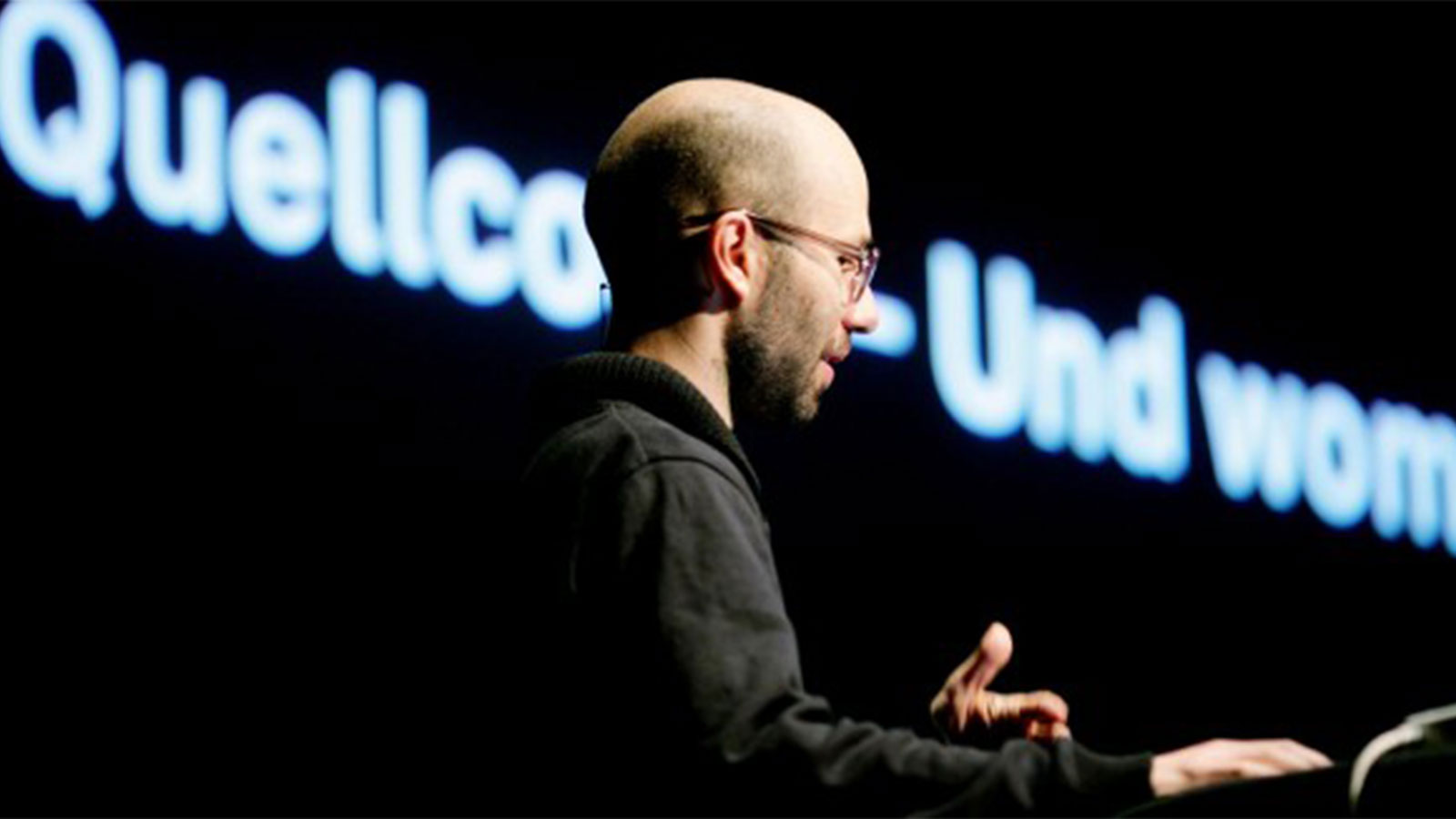
Intuity is invited to present its approach to UX and design at the Mediacampus at the Hochschule Darmstadt. By giving insights in our three service levels, Designing for Experience – Creating Vision – Shaping Ventures, Markus Turber shares learnings from our daily work. We share our experience from a designers, but also from an innovators perspective in order to give an idea how designers can become enablers for change.


No Comments


Web Font Awards 2011


Last Friday, we released the new Intuity Website with our new corporate font FF Netto. That’s why we take part at this year’s Web Font Awards. Loads of other smashing websites are up for election, so just take a look and vote for your favourite!


No Comments


Internationaler Designpreis Baden-Württemberg für JunkersHome


Bild via Junkers

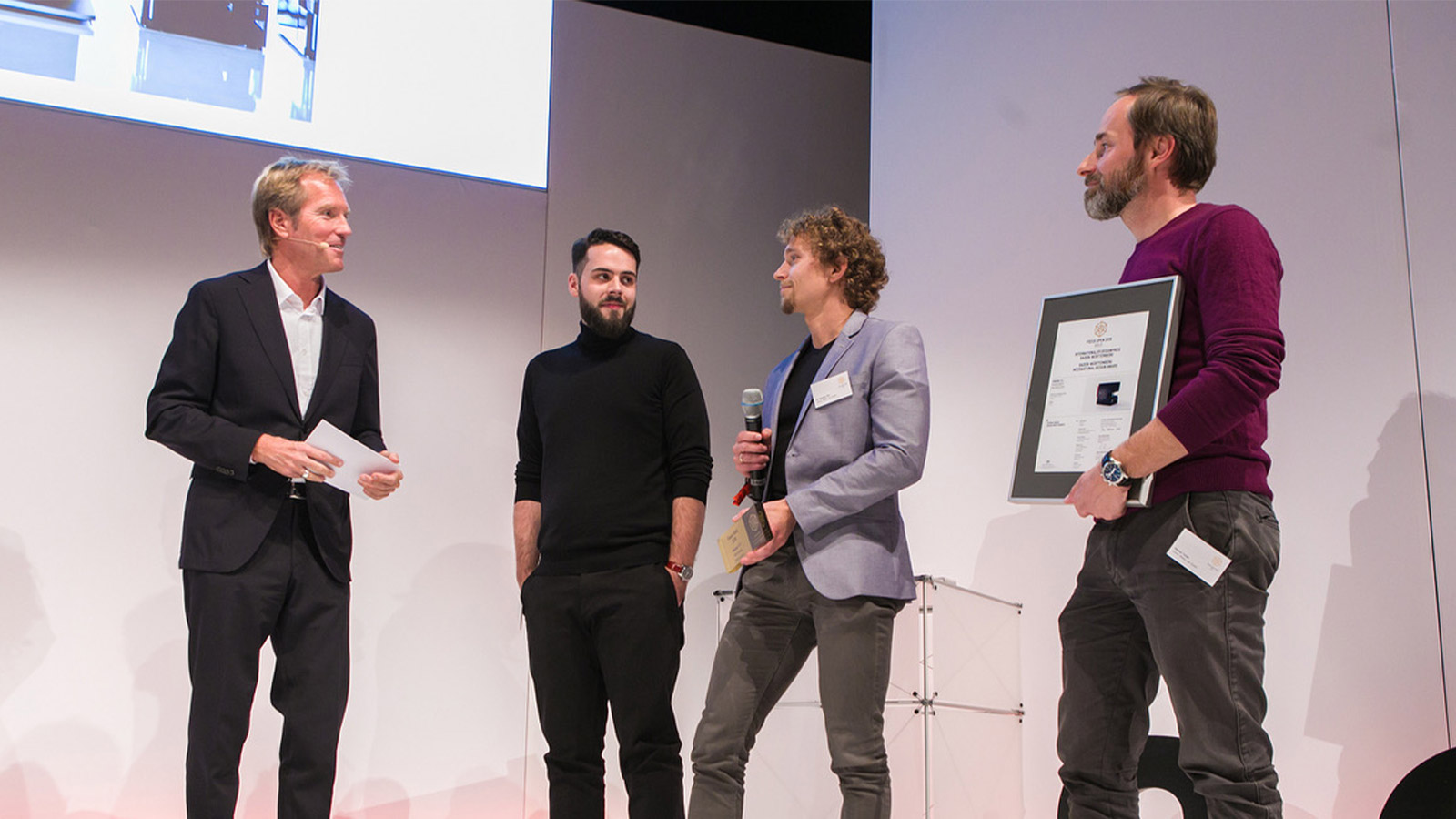
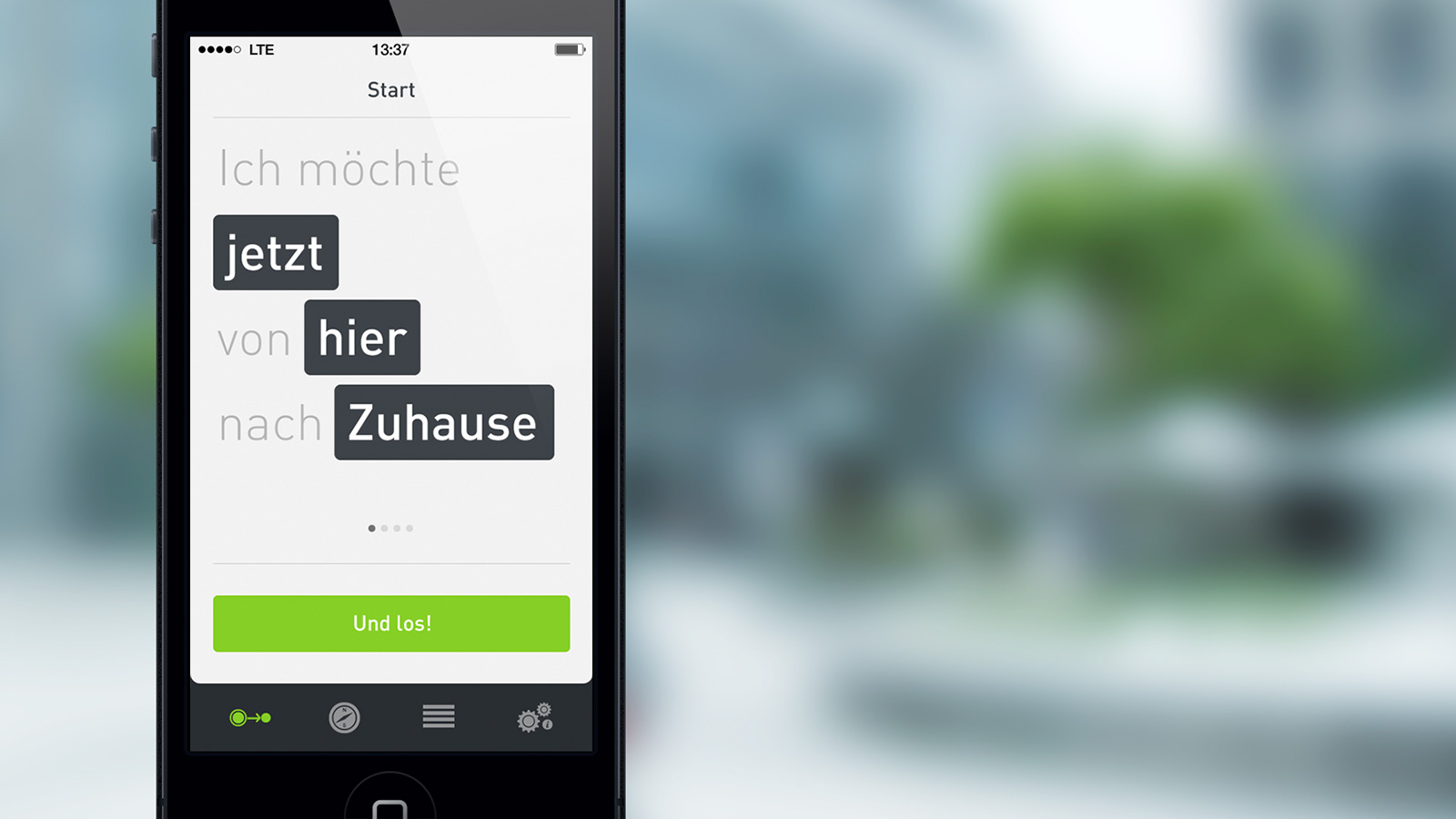
Bosch Thermotechnik und Intuity entwickelten gemeinsam JunkersHome, die Smartphone App zur einfachen und komfortablen Bedienung der Heizungssysteme von Junkers. Diese wurde nun vom Design Center Stuttgart mit dem Internationalen Designpreis Baden-Württemberg prämiert. Der renommierte Designpreis genießt im In- und Ausland hohes Ansehen und wird insbesondere für seine Seriosität und nicht kommerzielle Ausrichtung geschätzt. Das Projektteam konnte die Jury mit seiner Arbeit begeistern und sich unter 357 Bewerbungen durchsetzen. Wir sind stolz und freuen uns sehr über den “Focus in Gold”.

Mehr Details zum Projekt…


2 Comments